
Categories
Home, Car, Paperwork…: choose the category of a thing to plan, rename categories, change their colour or create your own.
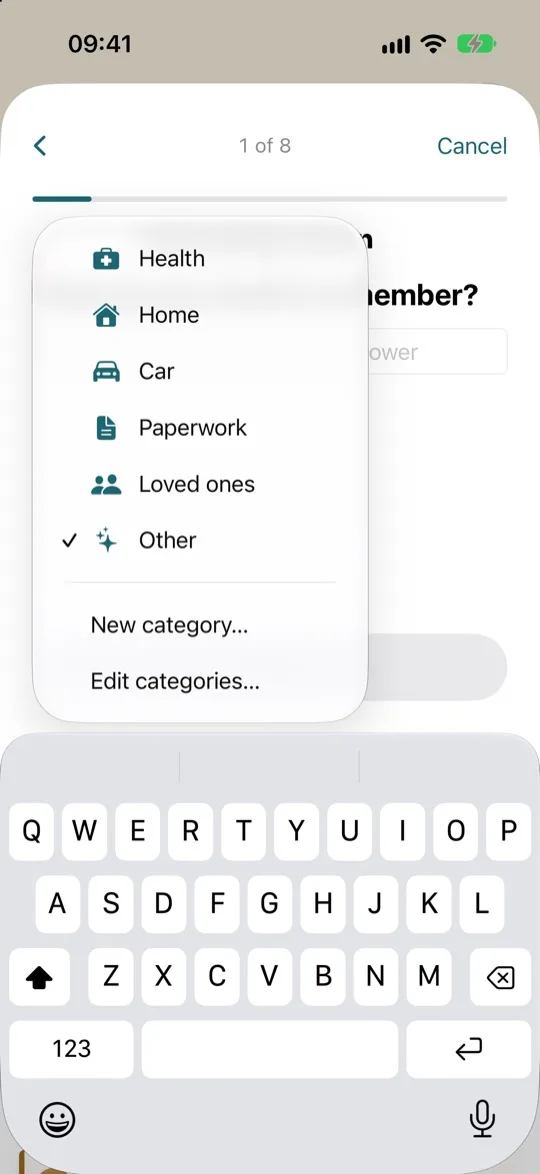
Categories sort your things to plan, as in a notebook, and give them a colour: Home, Car, Paperwork, Health, Loved ones, Other.
- Open a thing's details, or add a new one. Then tap its category at the top, near the title.
- Choose a different one, or tap “New category…” to create one, for example “Clients” or “Garden”. The thing then goes into it.
- To rename categories and change their colour, tap “Edit categories…” at the bottom of the same menu.
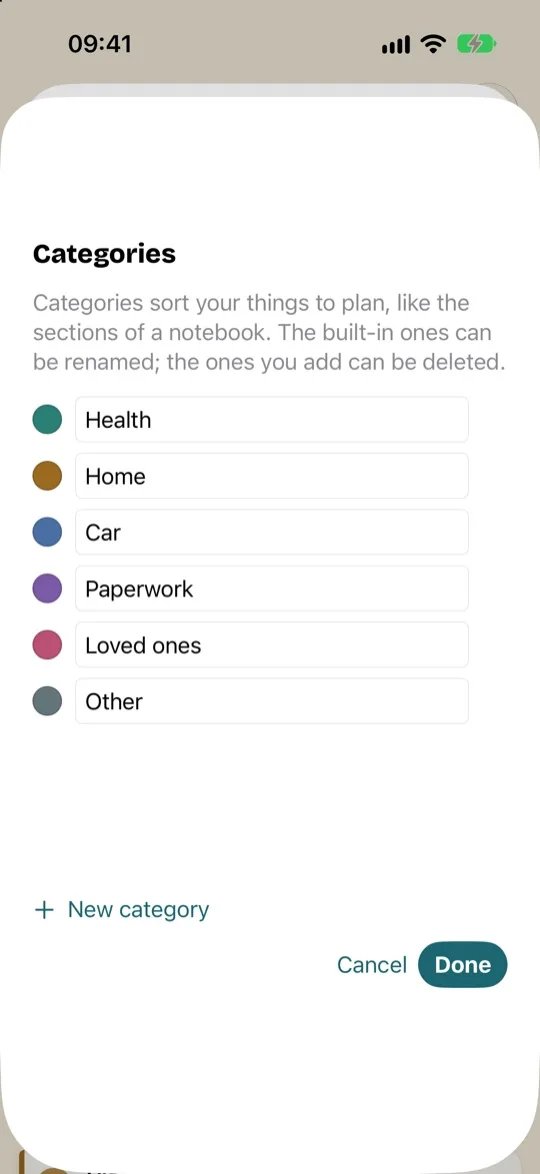
You can rename the original categories. Your own can also be deleted. Anything that was in a deleted category moves to “Other”.