
Choose the day for a task
Set aside a moment in your week for the things you do yourself, with no appointment.
The things you do yourself (testing the smoke alarms, clearing the gutters) can be fitted into your week, on a day and at a time.
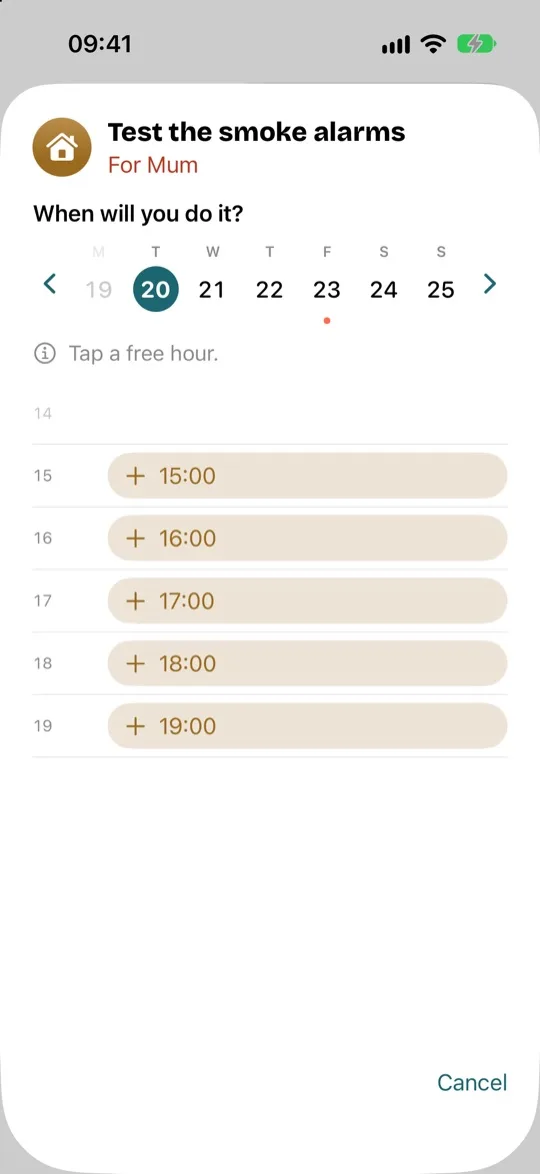
- Open the thing, then tap “Choose the day…”.
- Choose the day. The arrows take you to another week.
- Tap a free hour.
- A question repeats the time you chose, and when the thing will come round again after that: tap “Plan”. “Cancel” lets you choose a different time.
The thing moves to “Planned”. The time is added to your calendar, like an appointment, and the app reminds you the day before.
When the time comes, there's nothing to do: once its time has passed, the task counts as done and moves to “Done”. If you didn't do it, tap it in “Done”, then tap “Not done”: it goes back to your things to do.
To take it out of the week before its day, open it in “Planned”, then tap “Remove from the week”: it goes back to “It's time”.